Image of primary brand logo

Acrobat Vision

A personal exploration of where Acrobat could go next. In one week, I sketched a vision for an AI-powered document experience that adapts to how each person thinks, works, and moves across devices.

Role

Initiator

Time

1 week

Platform

Web

Team

Solo

Problem

AI in document tools often feels like an interruption. It appears uninvited, overwhelms rather than assists, and leaves users feeling less in control, not more. The question I wanted to explore: what if AI adapted to you, rather than the other way around?
Person sitting on floor working on laptop

4 Key Concepts

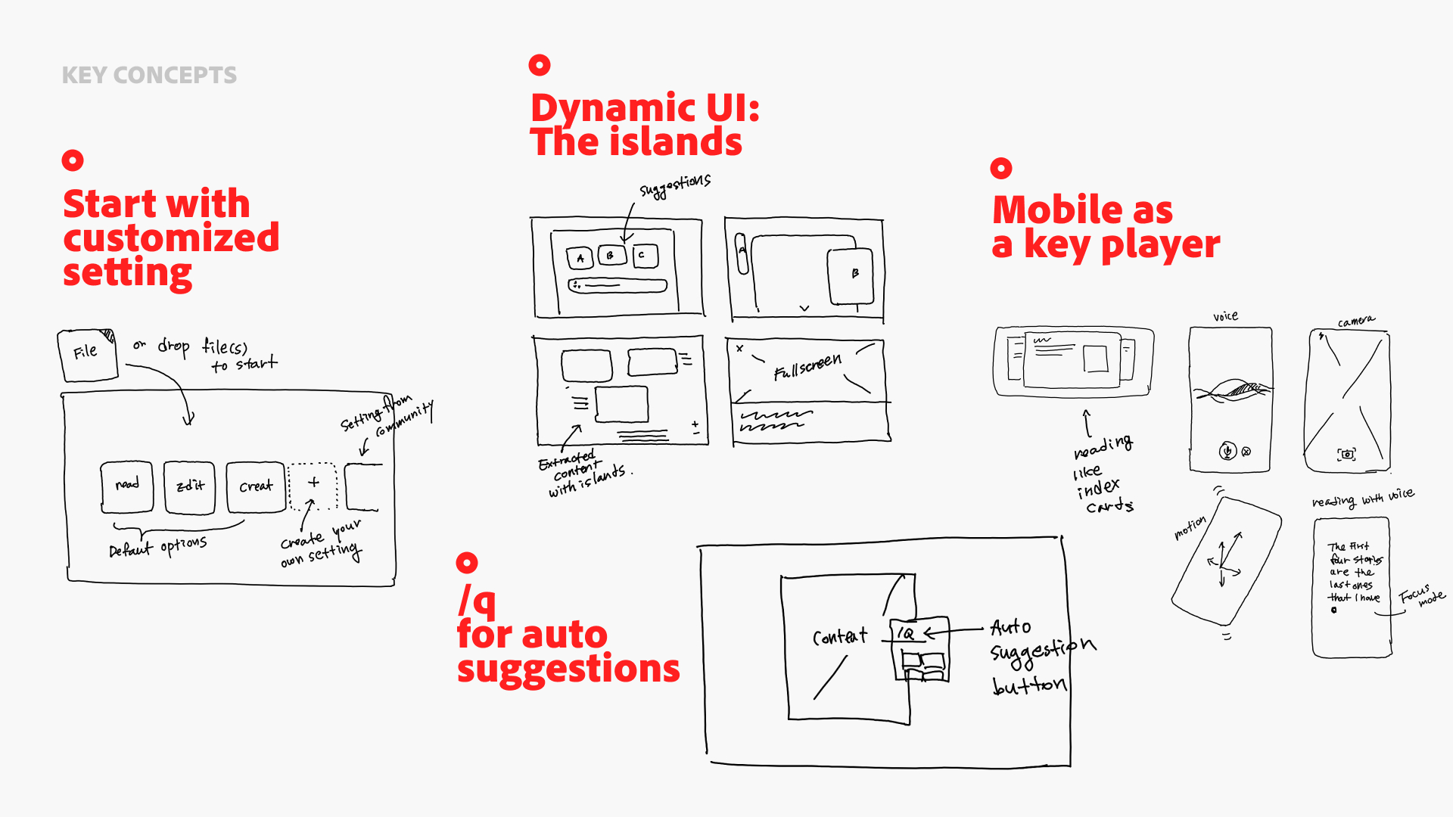
Customized settings match how each user thinks. AI shapes the UI dynamically as needs change. A quick 'q' surfaces suggestions without breaking flow. Mobile keeps the experience connected across every touch point.
Persistent AI Agent

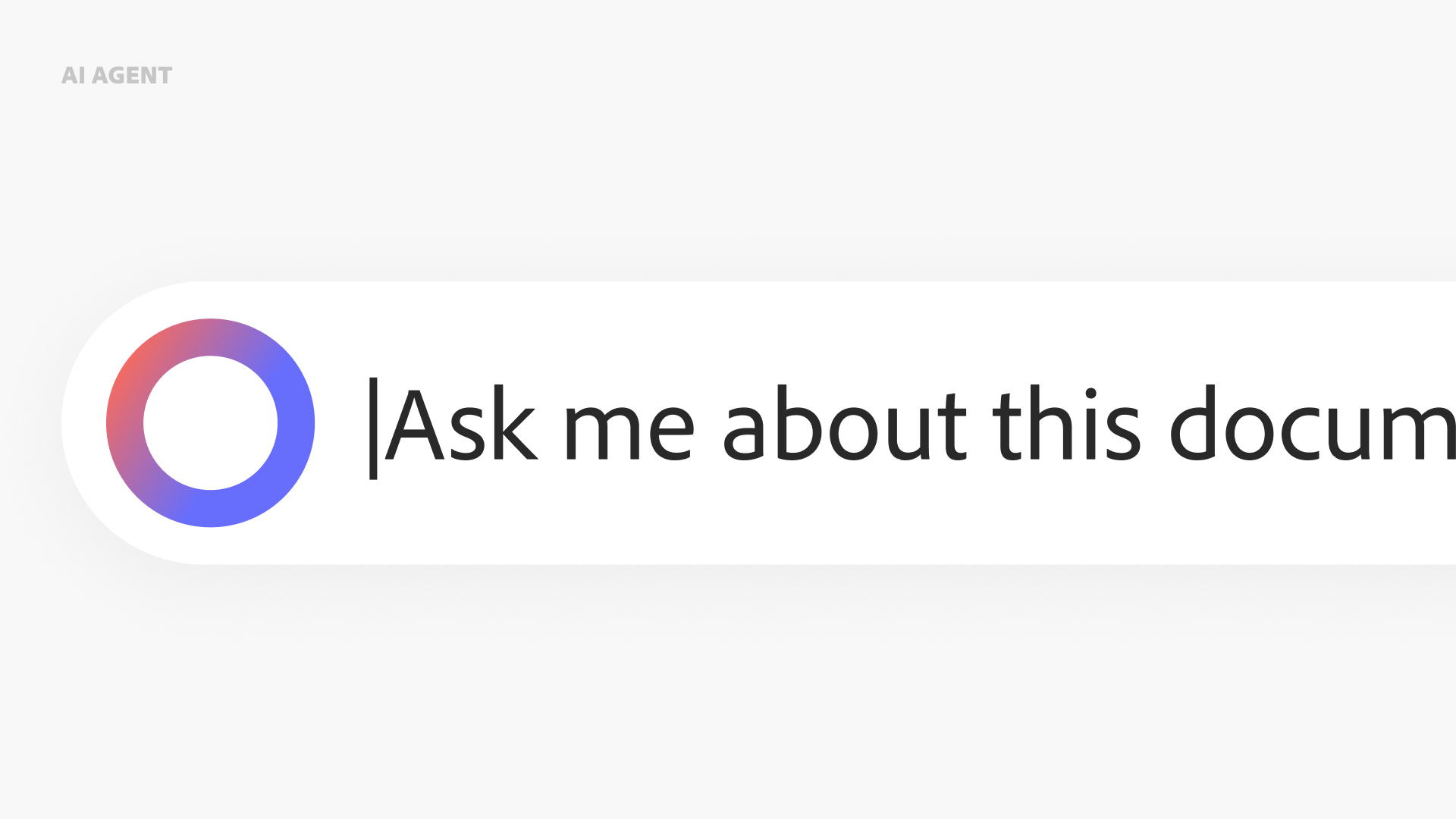
An always-available prompt bar that helps users understand, explore, and clarify what they are reading. It stays quiet when not needed and steps forward when invited.
Guided Navigation

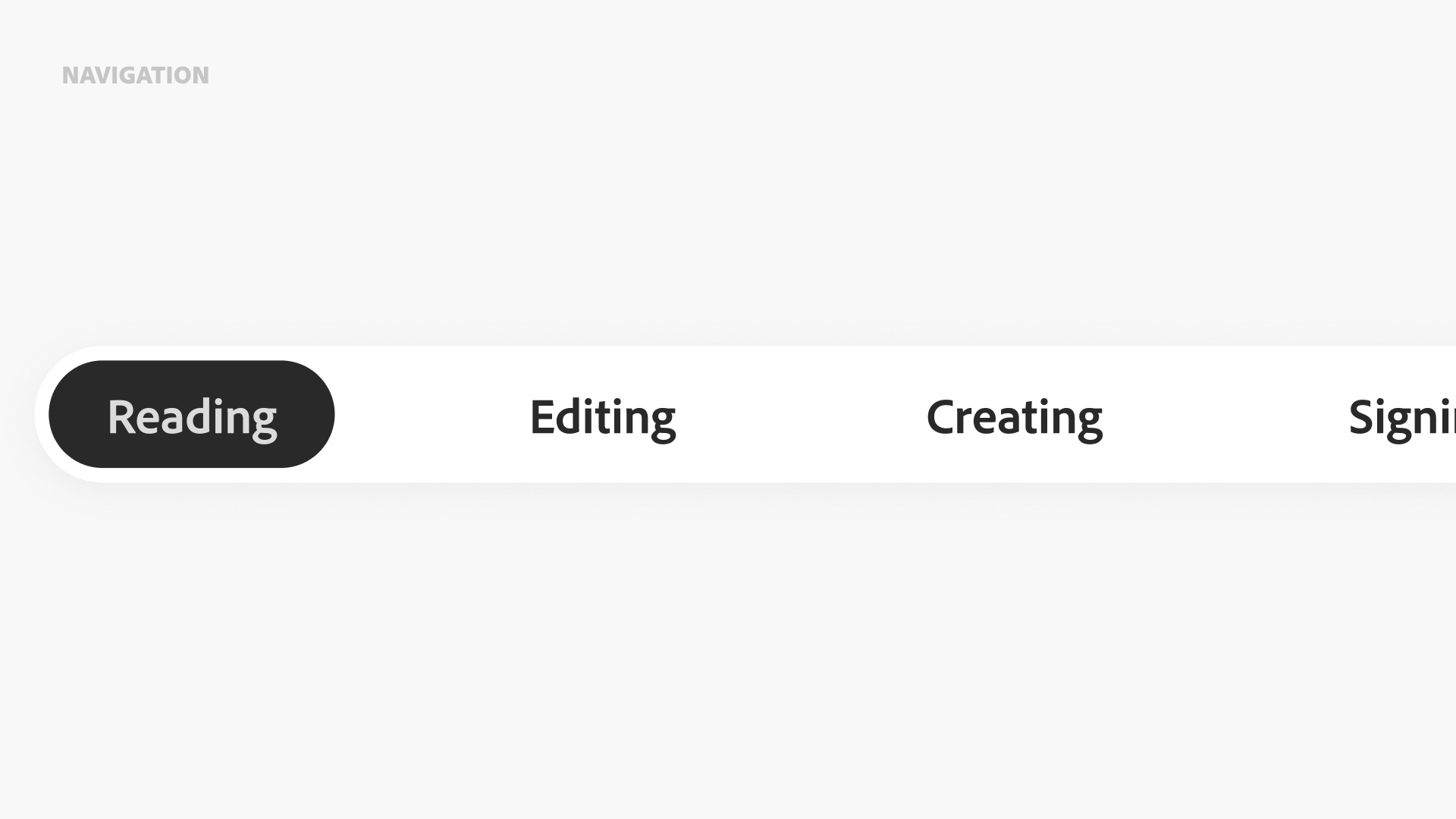
Clear modes set expectations upfront. By separating Reading, Editing, and Creating, the interface helps users stay focused on their intent without the UI second-guessing them.

Design in motion

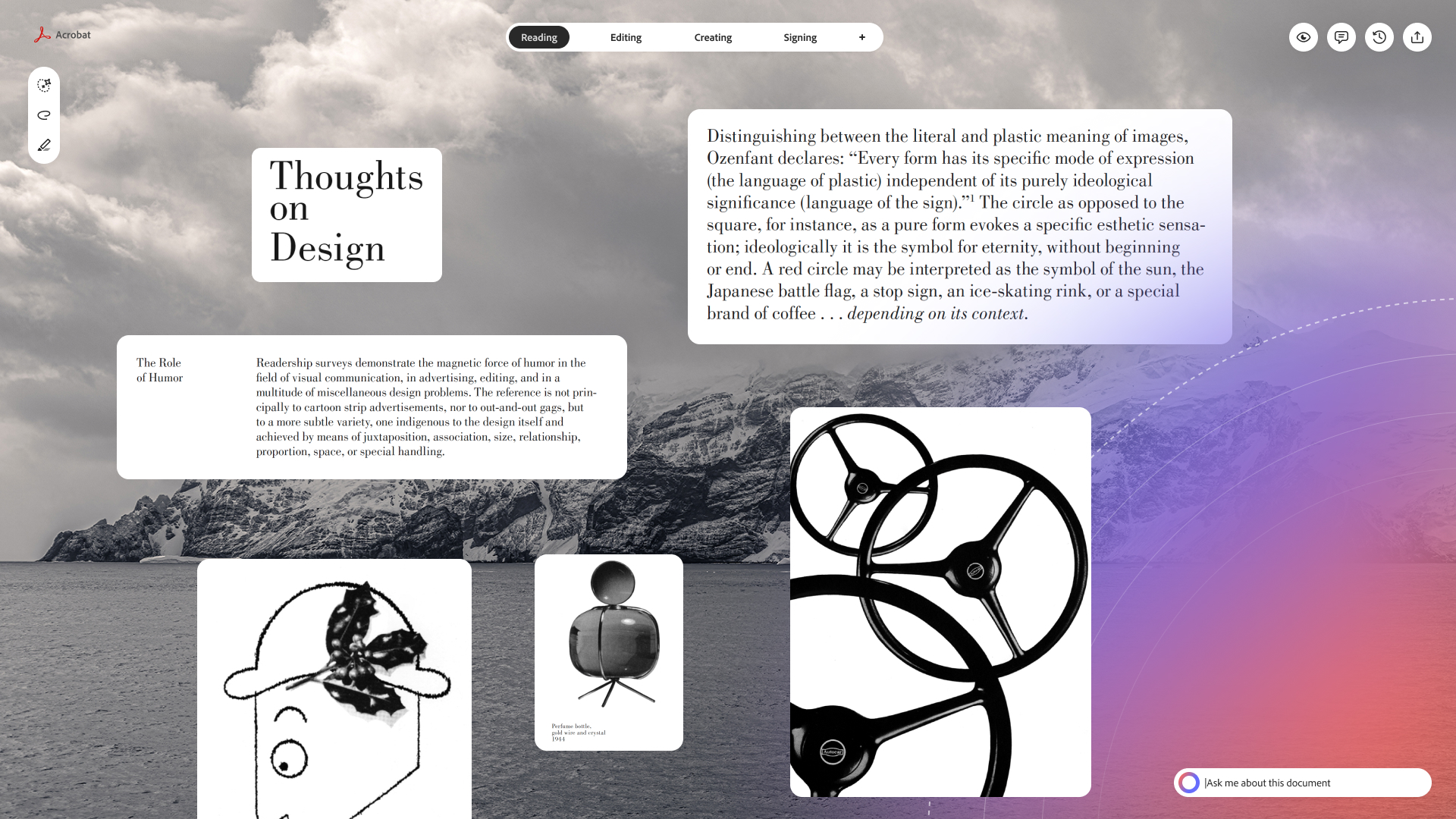
This prototype shows the full arc: a user reads a document, calls on the AI agent for help, and continues across devices. Every transition is designed to feel like a natural continuation, not a context switch.

© Kyeungsub Yeom

All Rights Reserved

Image of primary brand logo

Acrobat

Vision

A personal exploration of where Acrobat could go next. In one week, I sketched a vision for an AI-powered document experience that adapts to how each person thinks, works, and moves across devices.

Role

Initiator

Time

1 week

Platform

Web

Team

Solo

Problem

AI in document tools often feels like an interruption. It appears uninvited, overwhelms rather than assists, and leaves users feeling less in control, not more. The question I wanted to explore: what if AI adapted to you, rather than the other way around?

Person sitting on floor working on laptop

4 Key Concepts

Customized settings match how each user thinks. AI shapes the UI dynamically as needs change. A quick 'q' surfaces suggestions without breaking flow. Mobile keeps the experience connected across every touch point.

Guided Navigation

Clear modes set expectations upfront. By separating Reading, Editing, and Creating, the interface helps users stay focused on their intent without the UI second-guessing them.

Persistent AI Agent

An always-available prompt bar that helps users understand the document. It stays out of the way when not needed and moves to the center when users want to ask, explore, or clarify.

Design in motion

This prototype shows the full arc: a user reads a document, calls on the AI agent for help, and continues across devices. Every transition is designed to feel like a natural continuation, not a context switch.

© Kyeungsub Yeom

All Rights Reserved

Image of primary brand logo

Acrobat

Vision

A personal exploration of where Acrobat could go next. In one week, I sketched a vision for an AI-powered document experience that adapts to how each person thinks, works, and moves across devices.

Role

Initiator

Time

1 week

Platform

Web

Team

Solo

Problem

AI in document tools often feels like an interruption. It appears uninvited, overwhelms rather than assists, and leaves users feeling less in control, not more. The question I wanted to explore: what if AI adapted to you, rather than the other way around?

Person sitting on floor working on laptop

4 Key Concepts

Customized settings match how each user thinks. AI shapes the UI dynamically as needs change. A quick 'q' surfaces suggestions without breaking flow. Mobile keeps the experience connected across every touch point.

Guided Navigation

Clear modes set expectations upfront. By separating Reading, Editing, and Creating, the interface helps users stay focused on their intent without the UI second-guessing them.

Persistent AI Agent

An always-available prompt bar that helps users understand, explore, and clarify what they are reading. It stays quiet when not needed and steps forward when invited.

Design in motion

This prototype shows the full arc: a user reads a document, calls on the AI agent for help, and continues across devices. Every transition is designed to feel like a natural continuation, not a context switch.